Don’t be alarmed when the top portion of the Duplicates Detected window looks empty
This grid will only show fields that were modified during the current save event and not all fields for the current record as you might expect.
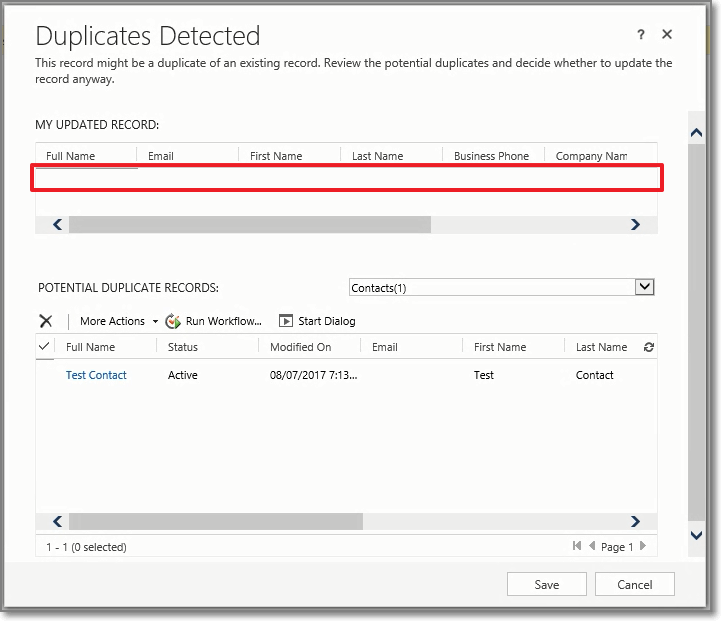
If that looks a little wonky, you’re not alone. Rest assured, everything is ok… it’s supposed to be like this.
As of:
Microsoft Dynamics 365 Version 1612 (8.2.1.341) (DB 8.2.1.341) online
Microsoft Dynamics 2016 on-premise
See Also:
Fix: The Duplicate Detection Window Results are Missing
 Dynamics Field Guide